A direct answer
How do I start an automation project without disrupting my team?
Start with one process, keep the current way of working available, and involve the people who do the work. Agree the human checks, test against examples you already trust, and only then rely on the workflow for the ordinary case. The aim is to add a path beside the work, not to remove the path the team knows on the first day.
Disruption comes from replacing a path you have not proved
Teams get stuck when a new workflow becomes the only way to finish the job before anyone has seen it succeed on real examples. The safer start is narrower. The current process stays available. The new path is tested beside it. People who do the work help describe it, and they can still finish the task by hand if the workflow stops.
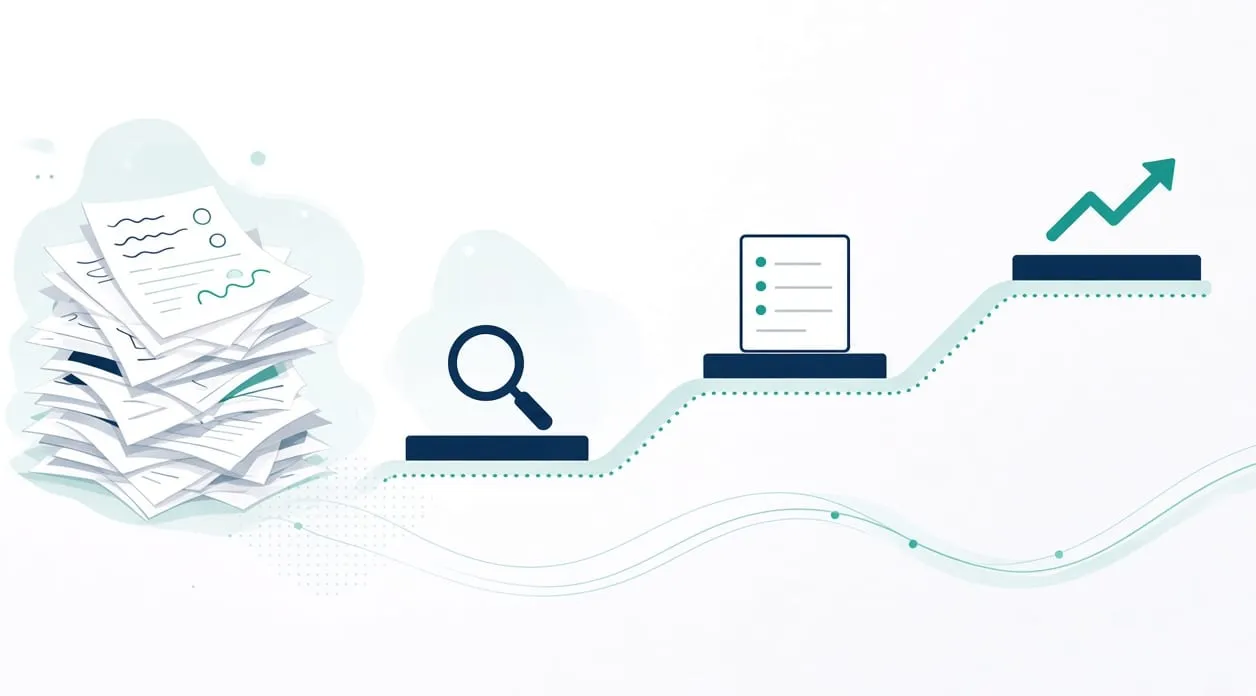
Use the homepage sequence: Understand, Identify, Build, Test, Improve. Building before you understand is how a tool becomes an interruption.
Use the sequence as the plan
Understand the work with the people who do it. Walk through the process, the people, and the constraints. Sit with one real occurrence. Ask where someone waits, retypes, or keeps a private workaround. Do not announce a tool in that conversation. You are still learning the path. The people who do the work will know the exceptions a diagram misses.
Identify one process. Choose the problem worth addressing first, using the test in how to know if a task is worth automating. Tell the team, in plain words, what is in scope and what is not. Everything outside that process stays as it is. A small scope is how the rest of the work continues.
Build beside the current method. Design the workflow with the human checks agreed up front. A review folder, an approval before anything is sent, a warning on a bad export: name them. Do not turn off the old path while you build. If the workflow needs a sign-in or a connection, use access the business already controls. Do not collect passwords into a document or a chat.
Test before anyone relies on it. Check the workflow against agreed examples. Include an ordinary case and an awkward case. Compare the output with what a careful person would have done. Let the person who does the job try the test, not only the person who built it. If the awkward case sails through, you are not ready.
Improve after real use, still with a fallback. When you do start using the workflow for the ordinary case, keep the hand method written down. Review the exceptions. Refine what needs attention. If the workflow misbehaves, the team should know how to finish the day without it. That fallback is the practical meaning of “without disrupting the team.” It is a way of working, not a guarantee that nothing will feel new.
What to say to the team
Say which process you are looking at. Say what will stay manual, using what should stay manual as the checklist. Say that the old path remains until the examples check out. Say who looks at the review queue. People can live with a new step when they know what it will not take away.
The homepage offers an Automation Opportunity Review for one repetitive process, with price and timing agreed before any paid work. If the problem is already clear, implementation can start from that conversation. A short introductory conversation is separate, has no cost and no obligation, and is not a consulting session.
What drives cost explains the things that change the size of a project, with no price figures.
When it is not worth it
Do not start by changing every tool the team touches. You will not be able to tell which change caused trouble.
Do not start when the people who do the work have not described the exceptions. You would be automating a diagram.
Do not switch off the current process on the day the workflow is installed. Rely on it after the examples match, and keep the hand method available. If you cannot keep that fallback, the task is not a good first project. Pick a smaller one, or leave it manual until you can.