A direct answer
What should stay manual even after automation?
Keep anything that needs a judgment, an approval, or a qualified professional with a person. Automation can move records, file clear documents, prepare a draft, and lay out figures. A person still reviews exceptions, edits and approves anything that goes to someone else, and makes the decision on legal, medical, tax, hiring, lending, and safety questions.
The check is part of the workflow
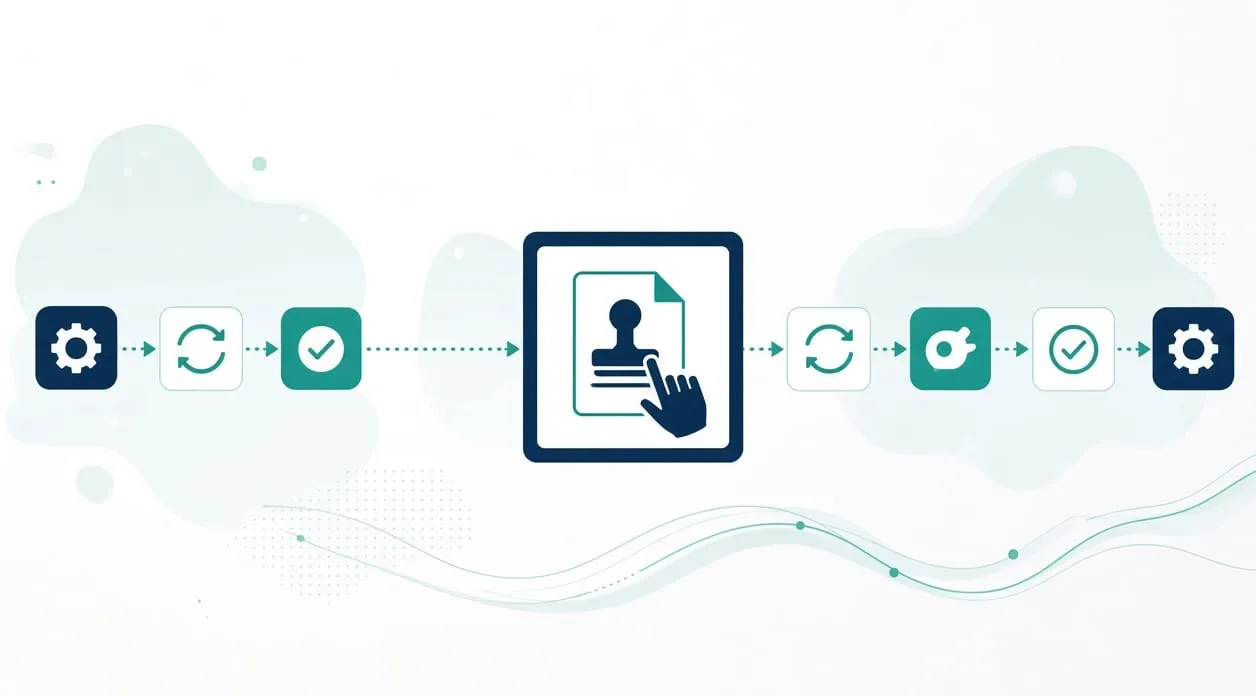
A workflow without a human check is not finished. Someone reviews errors, unusual records, and the decision about what happens next. Automation removes repeated handling. It does not remove responsibility.
Write the check in the same sentence as the step: file the clear document and route the uncertain one, update the matched order and set aside the one that does not match, prepare a draft and wait for approval before anyone sends it. If you cannot write that second half, the step should stay manual.
What I keep with a person
These are the holds I already use in the workflows on the homepage.
Anything sent to another person. In the lead-research workflow, a person confirms the source and the contact details, edits every draft, approves it explicitly, and sends it manually. A prepared draft can sit in a queue. The send does not.
Anything published. In the content workflow, a topic moves through research, fact-checking, draft, review, and a final quality check. A person gives the final approval before anything is scheduled or published. The stages can be recorded by the system. The approval cannot be implied.
Unusual documents and unusual orders. Invoices that do not meet the filing rules go to a review folder. Orders that error, go missing, or look unusual are reviewed before the tracker is relied on. The ordinary case can flow. The odd case waits.
What figures mean. A weekly review can validate an export, compare periods, and save a report when a threshold you defined is crossed. A person keeps observations separate from interpretations and decides which actions to take. The report does not choose the action.
The final word on a high-stakes question. I do not treat automation or AI as the decision-maker for a legal, medical, tax, hiring, lending, or safety matter. A tool can organize notes or a draft. A qualified person reviews the output and makes the decision. That is a limit, not a feature you turn off when you are in a hurry.
The same hold is on the notes about invoices and order exceptions.
How to find the manual line in your own process
Understand one real case from start to finish, including the moment someone hesitates. That hesitation is a clue. Identify whether the hesitation is a missing field, which a rule might catch, or a judgment, which should stay manual.
Build the workflow so the judgment has a place to wait: a folder, a queue, a draft status. Test an ordinary case and an awkward case. The ordinary case should move. The awkward case should stop in the queue, not in the finished pile. Improve the line when real use shows a case you would have wanted to see and did not.
If you are using an AI step for reading or drafting, the manual line is stricter, not looser. You still read what will be sent or filed. Whether you need AI at all and how to handle business information belong with this page.
When it is not worth it
It is not worth automating a step whose only content is the judgment. Approving a message, deciding a refund, interpreting a warning, and signing off on a publish are the work. Wrapping them in a tool that clicks “yes” for you removes the control the rest of the workflow depends on.
It is also not worth automating around a check that nobody will open. A review folder that stays full is not a control. It is a second inbox. Leave the task manual until a named person owns the queue.
If the whole process is a sequence of judgments with no repeated handling in between, keep it manual and write the steps down so the team shares them. Clarity is the improvement. Software can wait.