Blog
Business automation
in plain words.
Short answers for owner-led businesses and professionals in Toronto, Canada, and the United States. Each note starts with a direct answer, then the steps, then when the idea is not worth it.
The homepage shows the kind of workflows I build. When you want to talk about one process, tell me about your business.
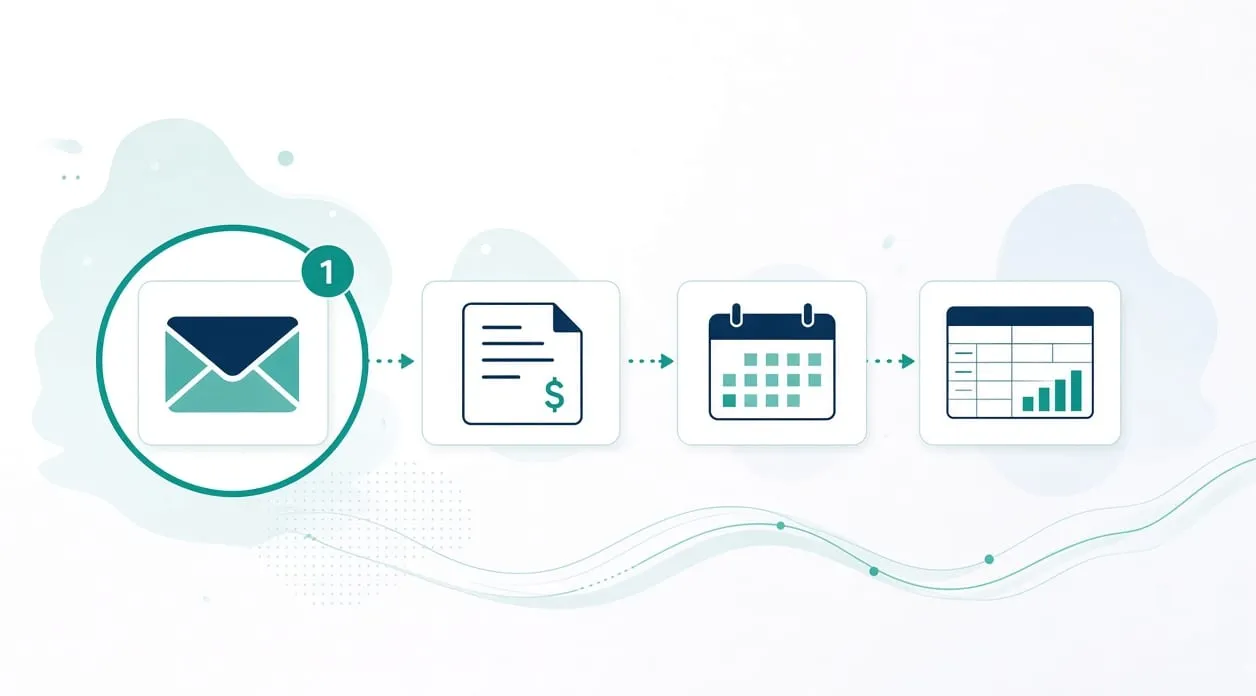
What can a small business automate first?
Start with one repetitive task you already understand, where the steps stay the same and a person can still check the output. Copying details between tools, filing invoices and receipts, and updating a tracker from information you already have are sensible places to look. Leave unusual decisions, and any task you cannot describe clearly, for later.
Read the full answer: What can a small business automate first?
How do I know if a task is worth automating?
A task is worth a closer look when you repeat it, you can describe the steps, the information already exists somewhere, and a person can check exceptions before anyone relies on the output. It is a weak candidate when it is rare, every case needs a different judgment, or you cannot say what correct looks like. A tool you already use may also remove the repetition without a new build.
Read the full answer: How do I know if a task is worth automating?
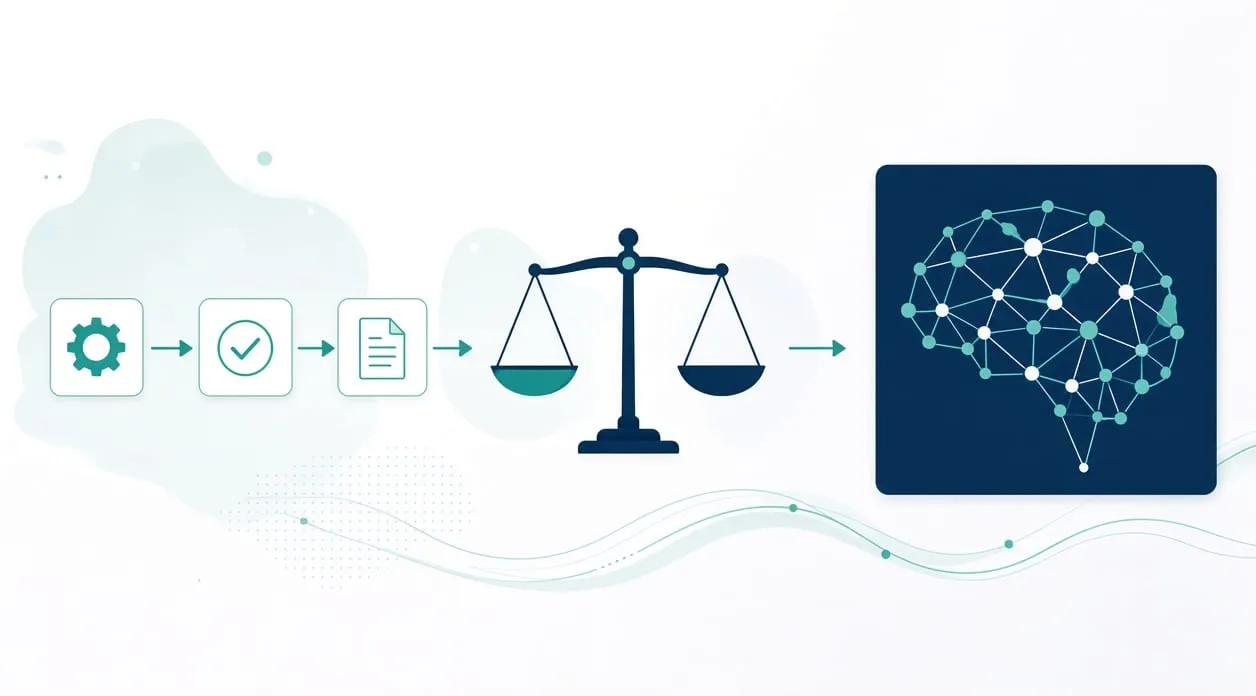
Do I need AI, or is simple automation enough?
Simple automation is enough when the steps are stable and a rule can say what should happen. An AI step is worth considering when the input does not follow one fixed layout, such as a varied document or a draft a person will edit. Either way, a person checks the output. AI is not the decision-maker for a legal, medical, tax, hiring, lending, or safety question.
Read the full answer: Do I need AI, or is simple automation enough?
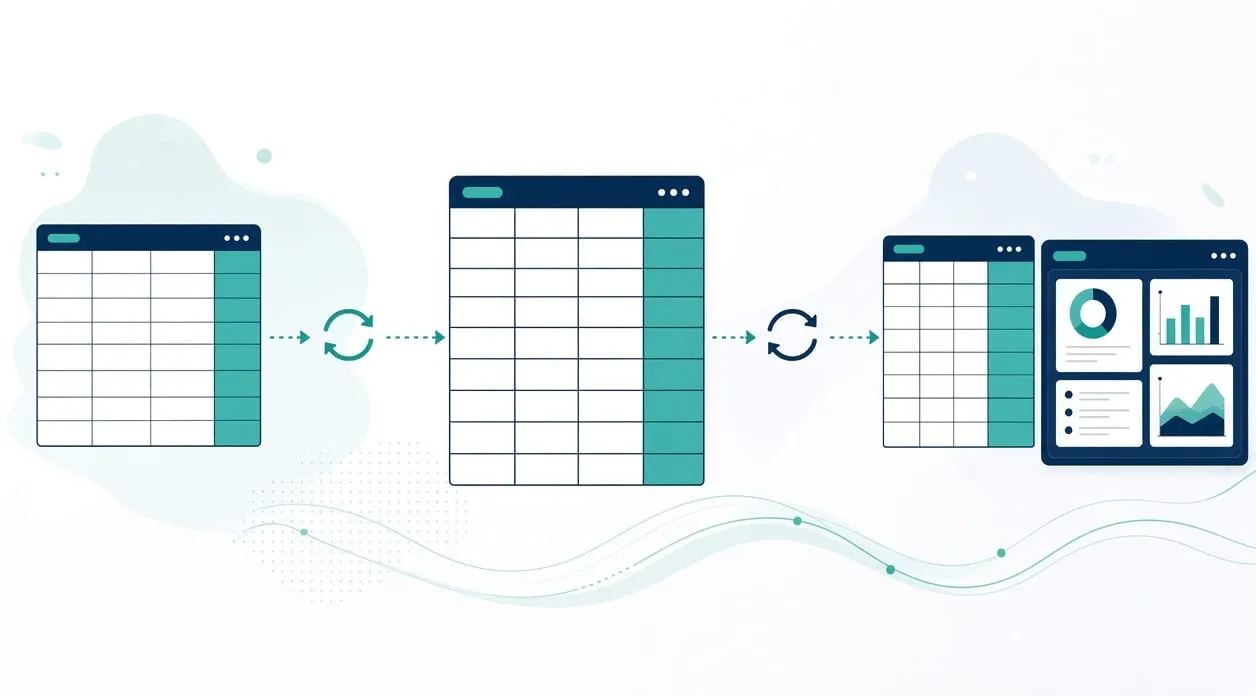
How do I stop copying data between spreadsheets and tools?
Stop the retyping by carrying approved fields from the place they already live into the place they need to go, and by keeping one clear version of each duplicate. A person still checks identity, odd records, and anything the rule cannot match. If the columns and the meaning of those columns are not settled, fix that before you connect the tools.
Read the full answer: How do I stop copying data between spreadsheets and tools?
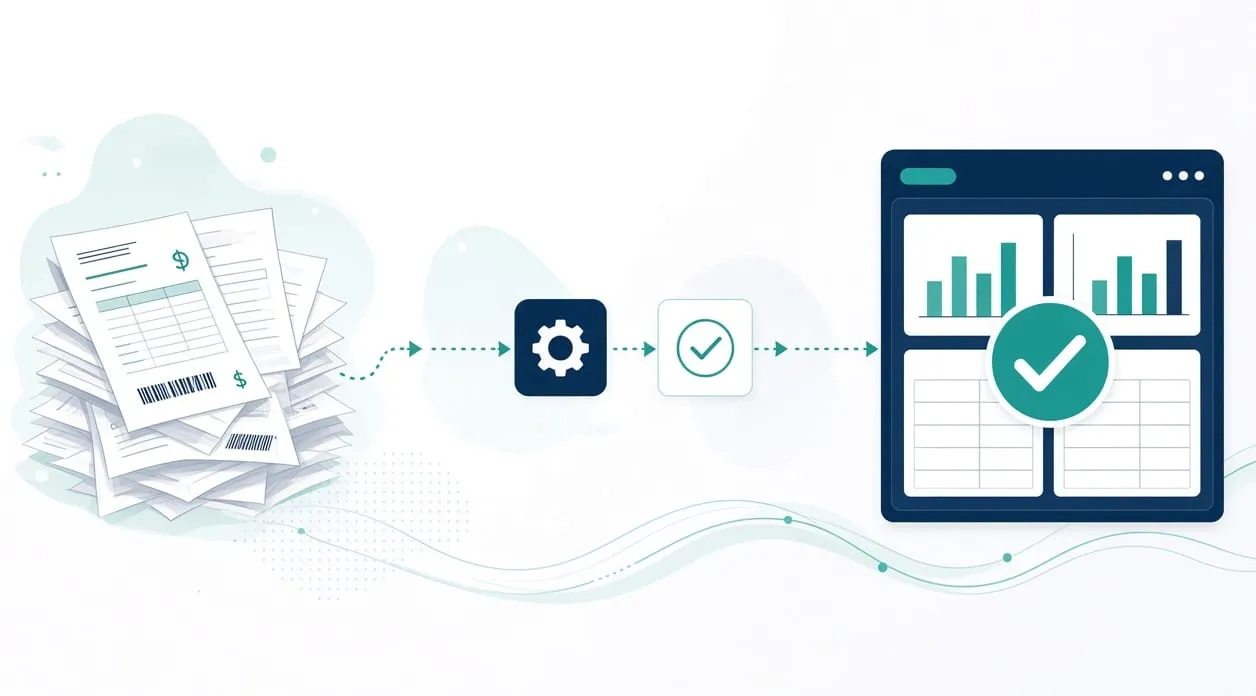
How do I automate invoices and receipts without losing control?
Keep control by letting a workflow handle the repeatable part and by sending anything uncertain to a person. A practical shape is the one on the homepage: identify the message and attachment, prepare a filename from rules you set, file the document, and route unusual items to a review folder. You still verify the document type, the details, the filename, the period, and the destination.
Read the full answer: How do I automate invoices and receipts without losing control?
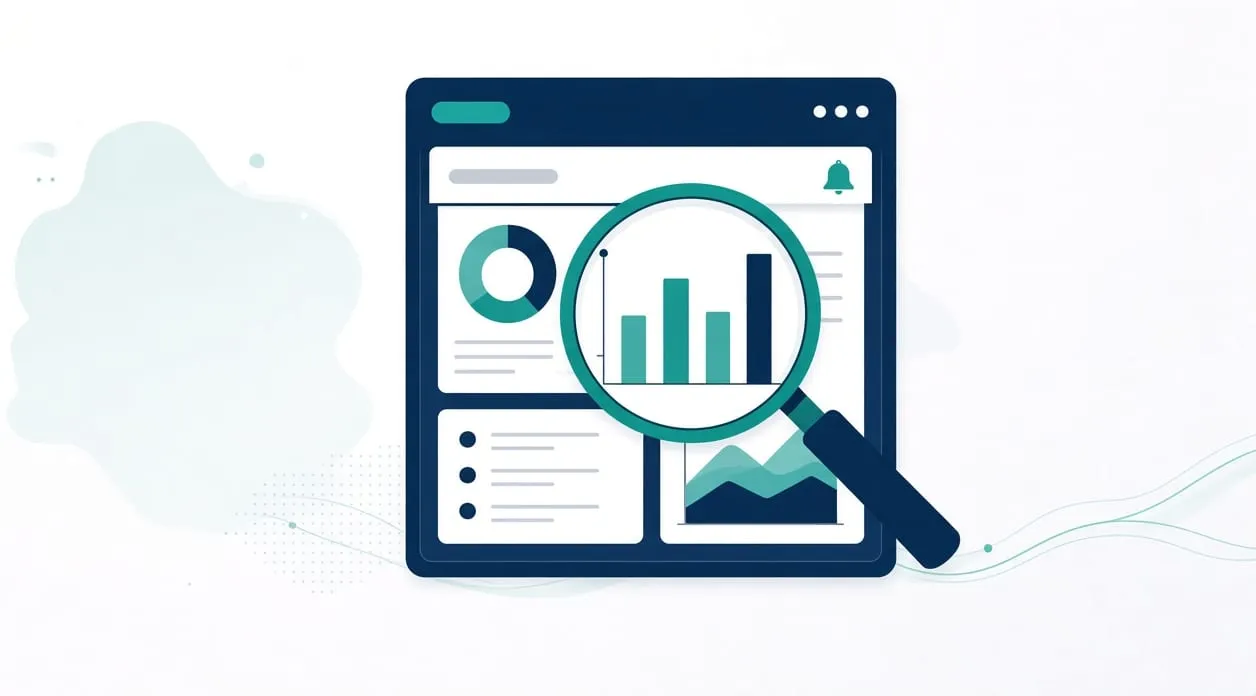
What is a business dashboard and do I need one?
A business dashboard is one screen that shows figures you already track, taken from a source you approve, so you are not rebuilding the same view by hand. You may want one when the same comparisons happen again and again and a person still decides what the figures mean. You do not need one when a single spreadsheet, opened on purpose, already answers the question.
Read the full answer: What is a business dashboard and do I need one?
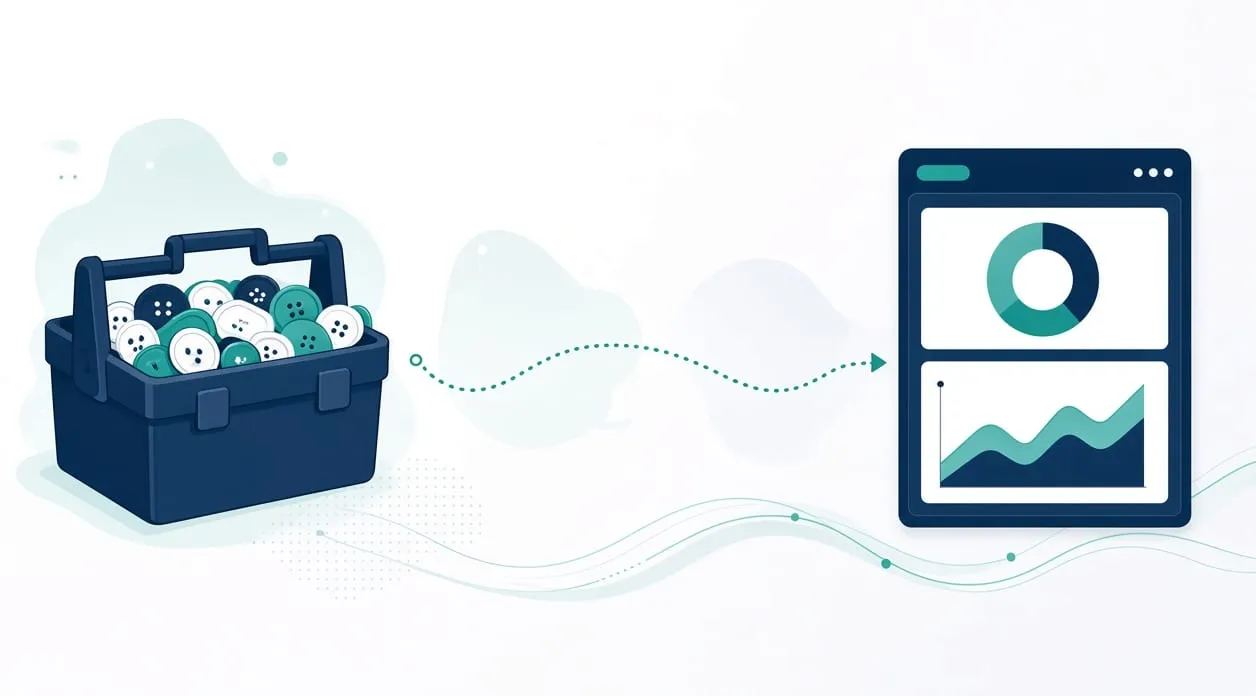
When does a custom micro-app make sense instead of a ready-made tool?
A ready-made tool is the right start when it already matches the steps you need. A small custom app makes sense when you have tried to fit the work into a tool and the mismatch is the problem: extra copying, fields you cannot change, or a path the team will not follow. The app should cover one process, with a person still checking exceptions.
Read the full answer: When does a custom micro-app make sense instead of a ready-made tool?
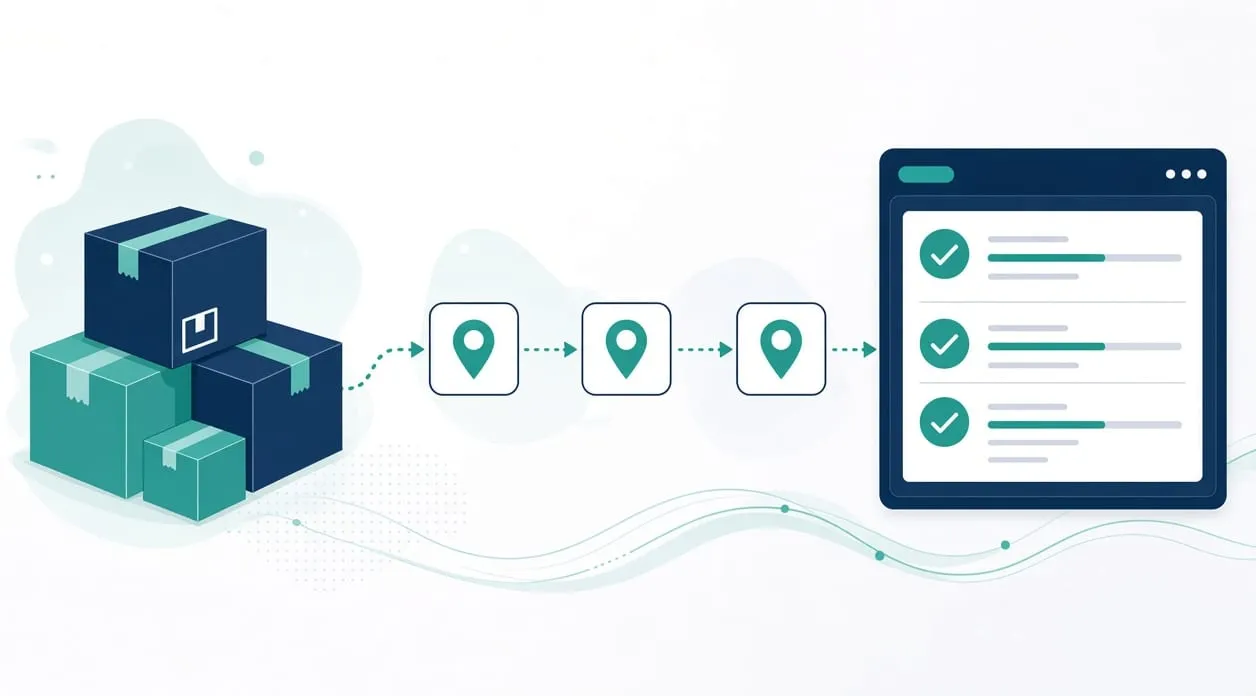
How do I automate order tracking for an online store?
Track orders by pulling recent records through a connection you control, creating a tracker entry once, and updating that same entry when the status changes. Shipped, delivered, and cancelled states should not create a second copy of the order. A person reviews errors, missed updates, unusual records, and exceptions before the tracker is treated as the record you rely on.
Read the full answer: How do I automate order tracking for an online store?
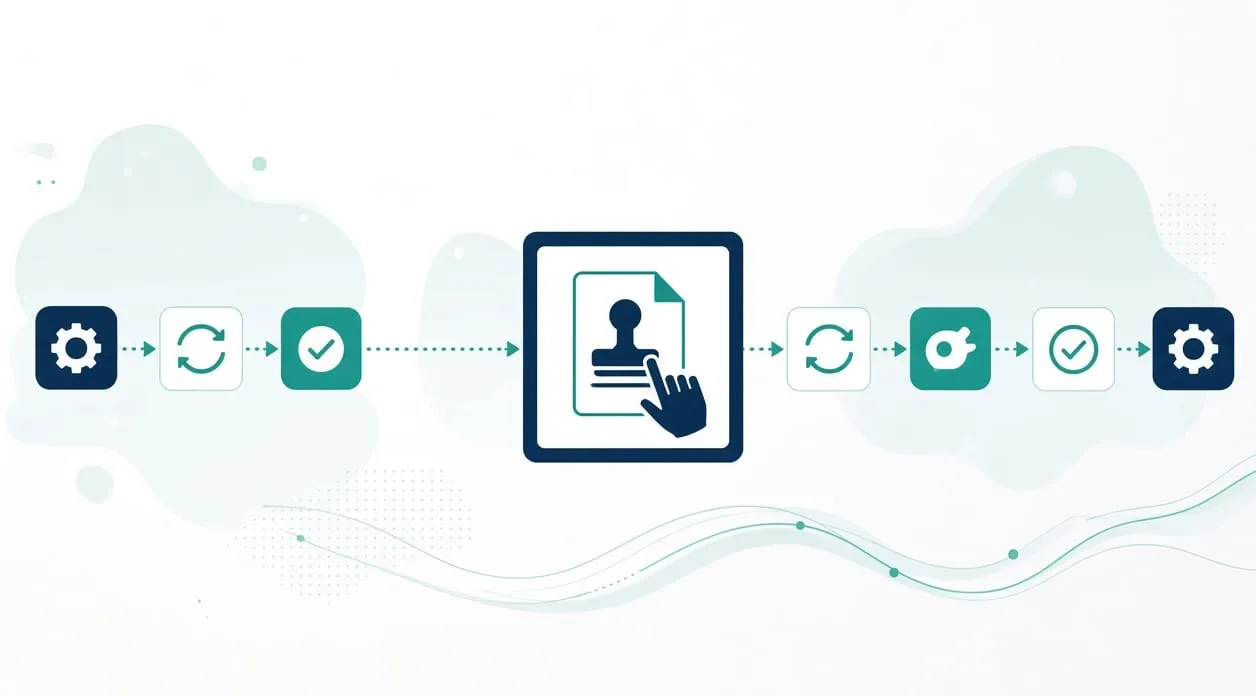
What should stay manual even after automation?
Keep anything that needs a judgment, an approval, or a qualified professional with a person. Automation can move records, file clear documents, prepare a draft, and lay out figures. A person still reviews exceptions, edits and approves anything that goes to someone else, and makes the decision on legal, medical, tax, hiring, lending, and safety questions.
Read the full answer: What should stay manual even after automation?
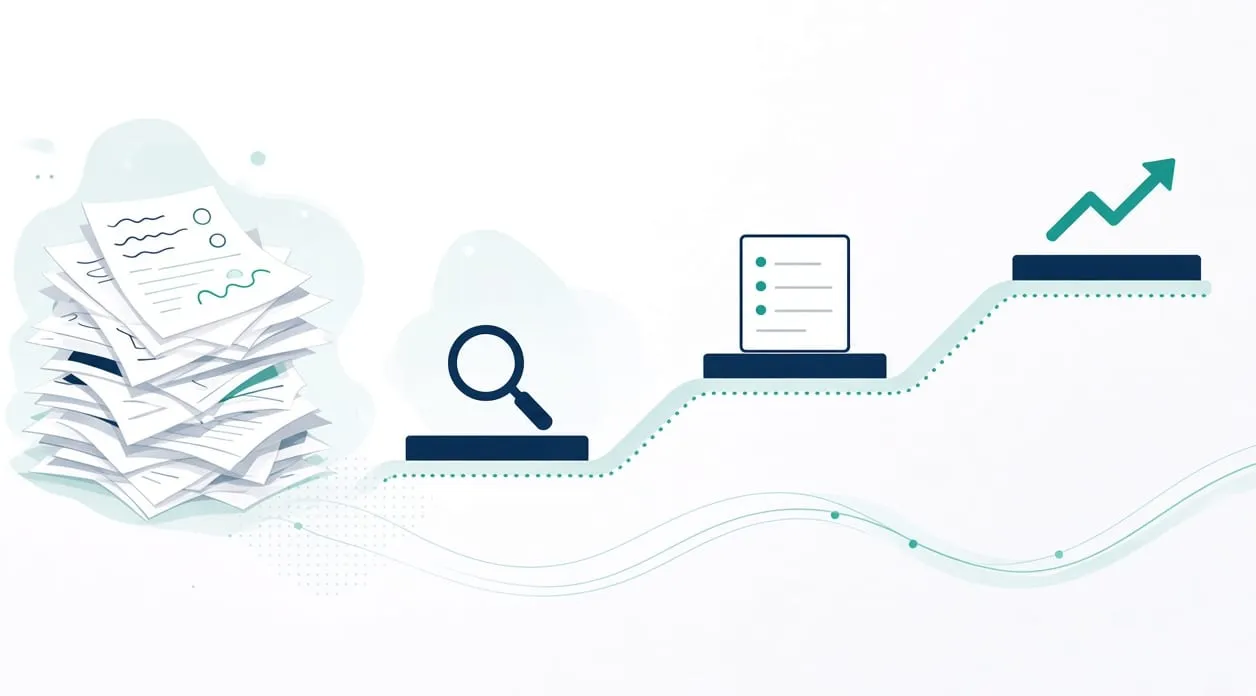
How do I start an automation project without disrupting my team?
Start with one process, keep the current way of working available, and involve the people who do the work. Agree the human checks, test against examples you already trust, and only then rely on the workflow for the ordinary case. The aim is to add a path beside the work, not to remove the path the team knows on the first day.
Read the full answer: How do I start an automation project without disrupting my team?
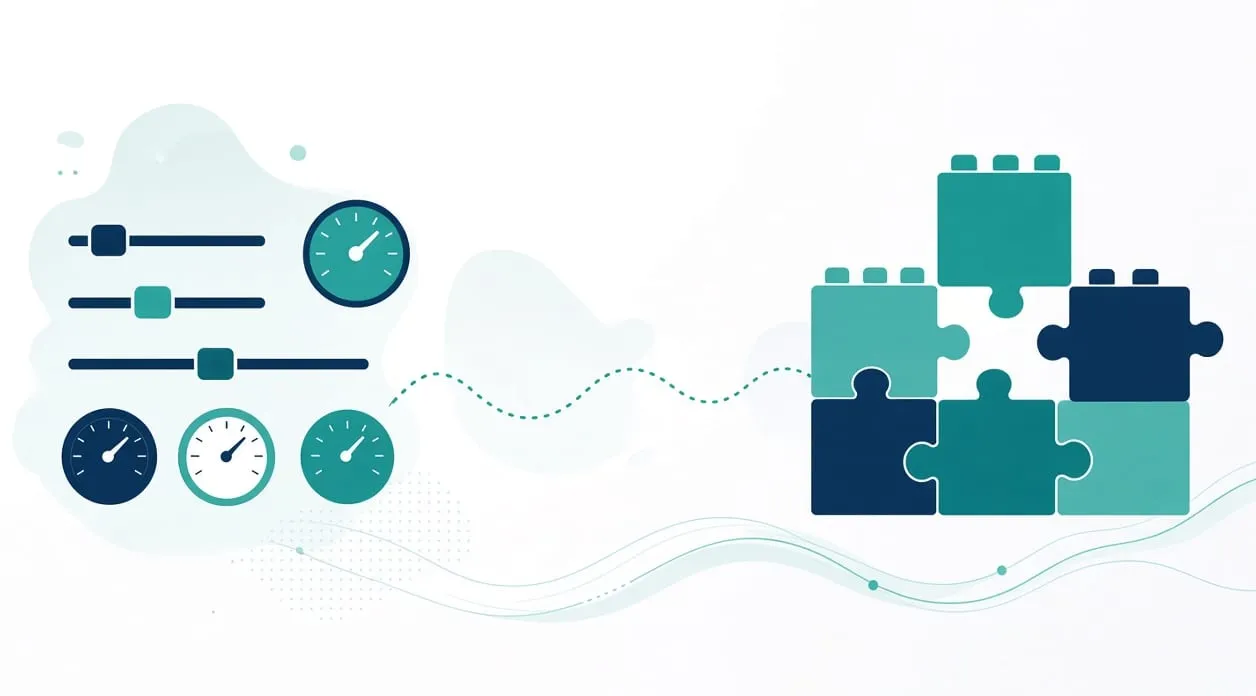
How much does business automation cost?
There is no price list on this site, and this page will not invent one. Cost follows the process: how tangled the steps are, how many tools must connect, how often a person must review an exception, and whether a tool you already have can do the job. Price and timing are discussed and agreed before any paid work begins. A short introductory conversation has no cost and no obligation.
Read the full answer: How much does business automation cost?
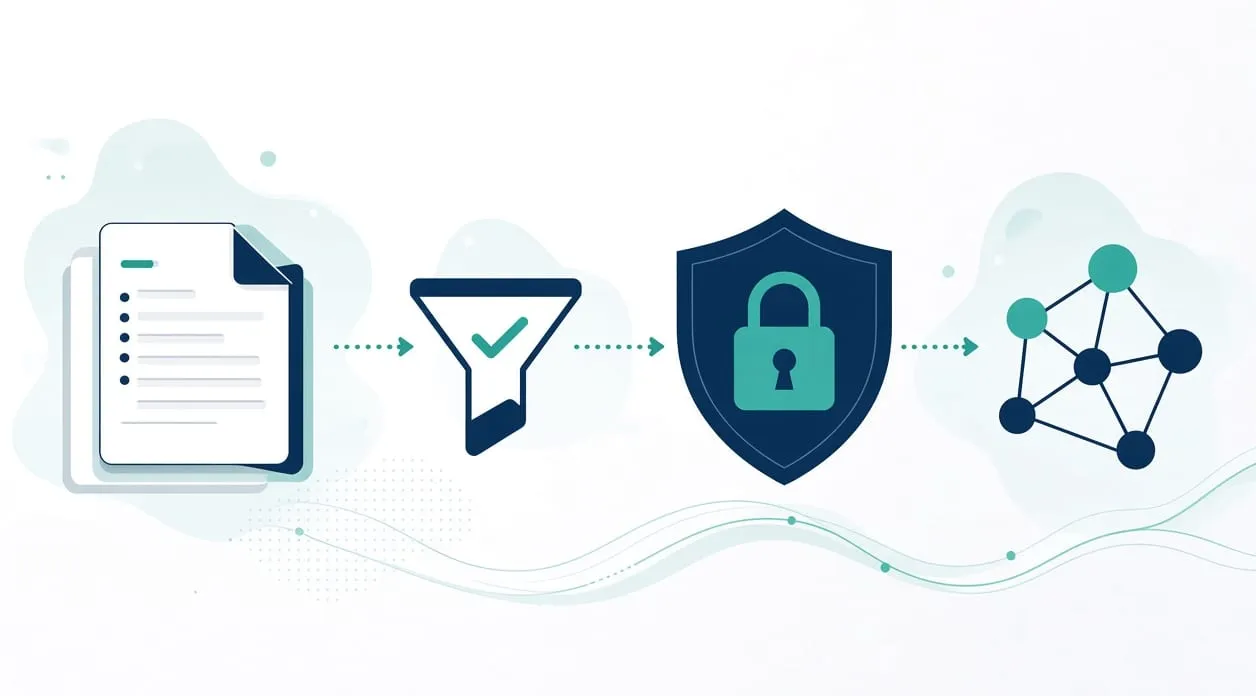
Is it safe to use AI with customer and business data?
It can be used with care, and it is not automatically safe. Do not paste passwords, payment details, health information, tax records, legal documents, or private customer and company material into an AI tool. Share the smallest text that still lets the tool help, check the tool’s current data settings before you rely on it, and have a person review the output. Nothing on this page is a guarantee that a tool will keep information private.
Read the full answer: Is it safe to use AI with customer and business data?