A direct answer
What can a small business automate first?
Start with one repetitive task you already understand, where the steps stay the same and a person can still check the output. Copying details between tools, filing invoices and receipts, and updating a tracker from information you already have are sensible places to look. Leave unusual decisions, and any task you cannot describe clearly, for later.
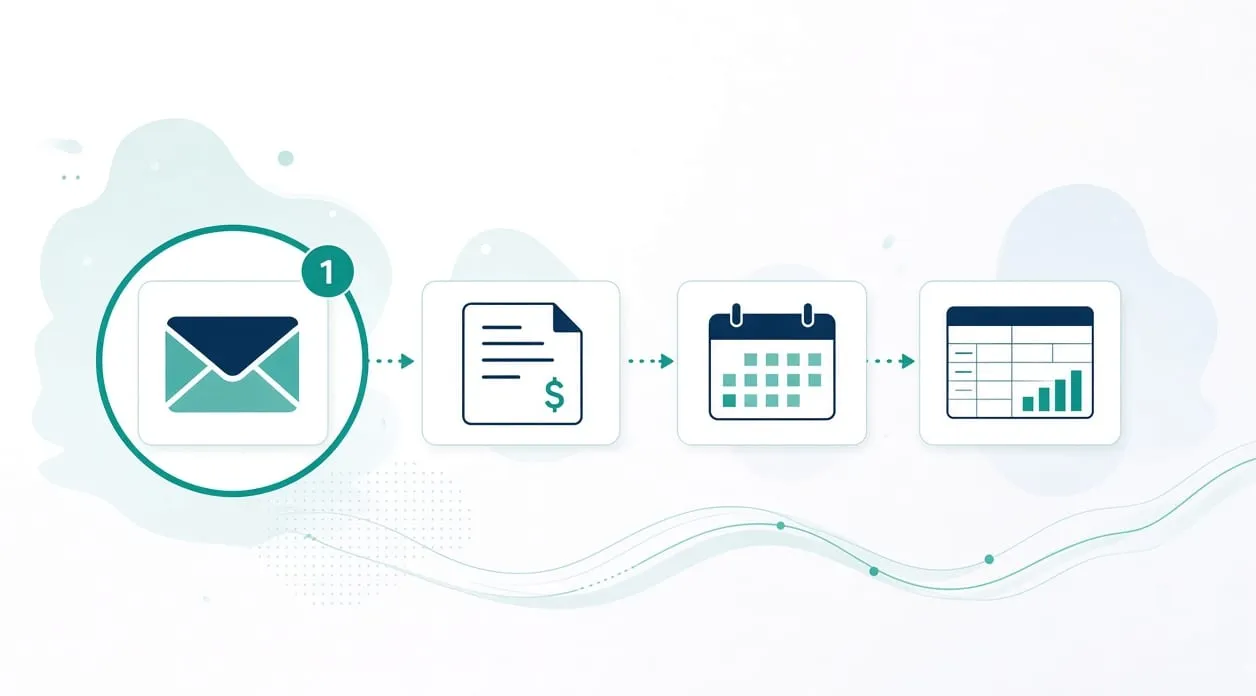
Begin with work you can explain
A useful first automation is ordinary on purpose. You should be able to point at the steps, name the people who do them, and say what a correct outcome looks like. If you have to invent the process while you describe it, it is too early to hand any part of it to a tool.
I use the same sequence I describe on the homepage. Understand the process, the people, and the constraints. Identify the problem worth addressing first. Build the workflow with an agreed human check. Test it against examples you already trust. Improve it only after you have seen it on real work.
That sequence keeps the first project small. You are taking one repeated path and making the hand-offs clearer, so there are fewer manual steps between a source you already trust and the place the information needs to go.
Kinds of work that often come first
Copying the same details into more than one place is a common starting point. The information already exists. A first workflow can carry the approved fields across and leave anything uncertain for a person.
Filing documents that arrive in a familiar way is another. The homepage describes an invoice and receipt workflow: identify the message and attachment, prepare a filename from rules you set, file the document, and route uncertain items to a review folder. A person still checks the document type, the details, the filename, the period, the destination, and every unusual item.
Updating a record from a source you already use is a further pattern. The order example retrieves recent records through an authenticated connection, creates new tracker entries, updates existing ones, and tracks shipped, delivered, and cancelled states without duplicating records. A person reviews errors, missed updates, and unusual records before relying on the tracker.
These are patterns, not promises. The source exists, the steps repeat, and a person still owns the exceptions.
How to choose among them
Write the task down. Where does the information start? Where must it end up? What do you check before you trust it? What goes wrong if a record is wrong?
Then ask whether the steps stay the same from one occurrence to the next. A steady path is a better first project than a path where every case is a special case. If more than one candidate looks similar, choose the one you can test with examples you already have. Testing is part of the work, not an extra you add later.
Moving a field from one agreed place to another needs a clear rule. A reading step is a different choice, covered in whether you need AI or simple automation.
What you still check
Agree the check before you build. For a first workflow, that is often a short review of new records and a place where uncertain items wait. You should still be able to do the task by hand if the workflow stops. How to tell whether a task is worth automating walks through that decision.
When it is not worth it
Skip automation when you do the task rarely, when you cannot describe the steps, or when every case needs a different judgment. Also skip it when a mistake would be serious and you have no way to review the output before it matters. Do not start by automating a decision about a person, a price, a legal position, or a medical or tax question. Those stay with a qualified person.
If the real problem is that a tool you already use has a feature you have not turned on, turn that on before you build something new. A custom path is for the gap that remains, which is discussed in when a small custom app makes sense.