A direct answer
Do I need AI, or is simple automation enough?
Simple automation is enough when the steps are stable and a rule can say what should happen. An AI step is worth considering when the input does not follow one fixed layout, such as a varied document or a draft a person will edit. Either way, a person checks the output. AI is not the decision-maker for a legal, medical, tax, hiring, lending, or safety question.
Start with the shape of the task
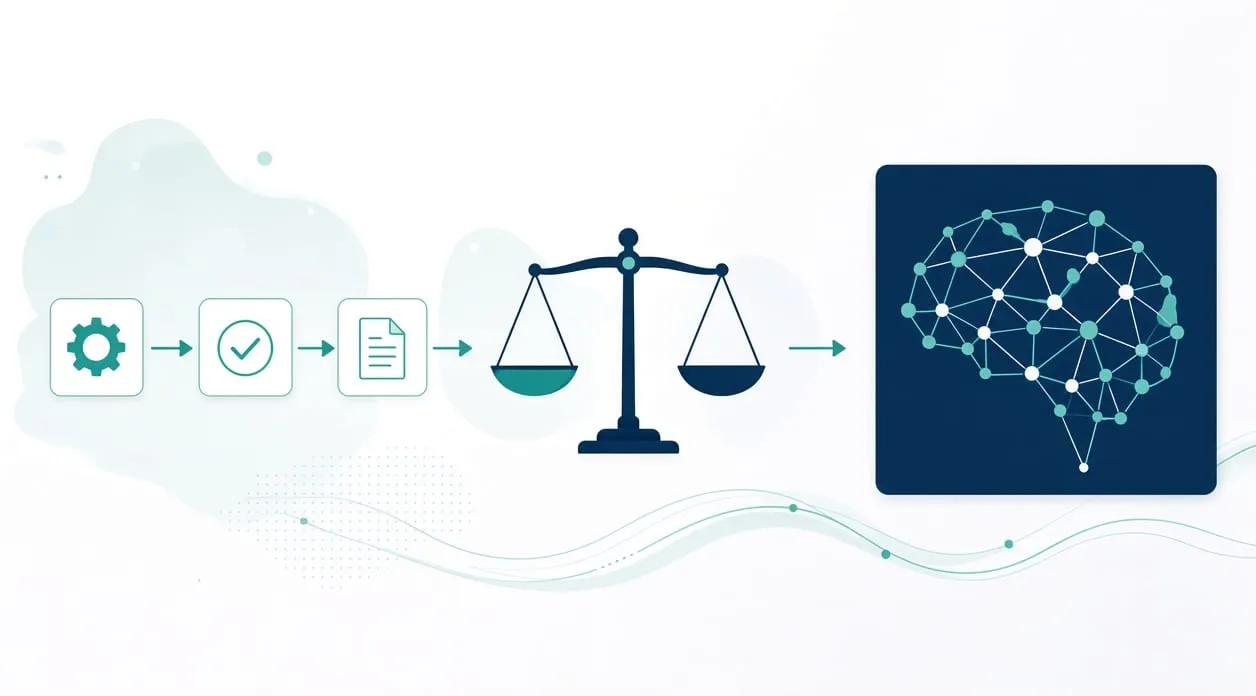
The choice is not “AI or nothing.” It is whether the task has a rule you can state. If the same fields move from an agreed source to an agreed destination, a simple connection is the right tool. If every item looks different and a person currently reads it before choosing a filename, a folder, or a reply, a reading step may help — and a person still confirms it.
Start with the process and the friction, then use automation or AI only where it makes sense. Picking a model first adds a guessing step to a problem that needed a rule.
Where a rule is enough
A rule is enough when you can finish this sentence: “When the record looks like this, do that.” Copying approved fields, updating one order entry when a status changes, or filing a document that already matches a rule you wrote down are that kind of work. They need a source, a destination, and a check for anything that does not match. The supplier-lead workflow on the homepage is the same shape: approved worksheets are combined, fields are normalized, and a person verifies identity, contact details, priority, and the next action before any outreach.
If you can write the rule down, build the rule. Adding AI there makes the ordinary case harder to explain when something looks wrong.
Where an AI step can fit
An AI step can fit when the input is language or a document that does not follow one layout. The invoice workflow on the homepage is the clearest example I already describe. The workflow identifies the message and the attachment, analyzes the document, prepares a rule-based filename, files it, and routes uncertain items to a review folder. The analysis is there because documents are not all shaped the same way. The review folder is there because analysis can be wrong.
A draft is a similar fit. The lead-research workflow prepares a message draft only after a quality check, and I edit every draft, approve it explicitly, and send it manually. The draft can save the blank page. It does not send itself.
Use AI for that kind of assist: reading, sorting into a queue, or drafting. Do not use it to decide a price, approve a customer, hire someone, or answer a legal, medical, or tax question. A qualified person owns those decisions. What should stay manual goes further on that line.
How to decide on one task
Understand what a person actually does with a single item. Identify the moment where they either follow a rule or make a judgment. If it is a rule, build the rule and test it on examples you trust, including one awkward example. If it is a reading or drafting step, build that step with an agreed place for uncertain items, and test it the same way. Improve the check when real items show a miss. Do not widen the workflow until the ordinary case and the exception path are both visible.
What to automate first stays with the steady tasks. Using AI around customer and business information covers what not to paste in, with no promise that a tool is safe.
When it is not worth it
Do not add AI to impress anyone, or because a ready-made button is sitting in a tool you already open. If a rule can do the job, the rule is easier to test and easier to explain to the person who has to trust it.
Do not add AI when you cannot review the output. A draft nobody reads, or a filed document nobody samples, is not a workflow. It is an unattended guess. Leave the task manual until you can name the check.