A direct answer
How do I automate order tracking for an online store?
Track orders by pulling recent records through a connection you control, creating a tracker entry once, and updating that same entry when the status changes. Shipped, delivered, and cancelled states should not create a second copy of the order. A person reviews errors, missed updates, unusual records, and exceptions before the tracker is treated as the record you rely on.
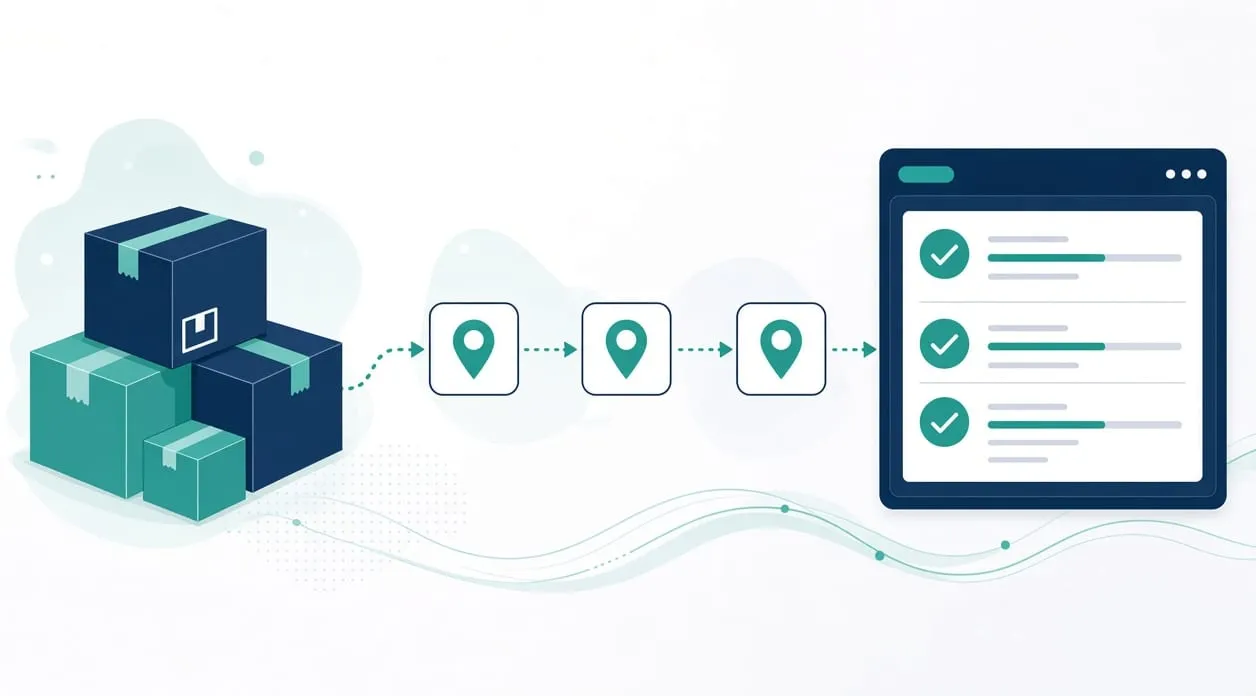
One record for each order
Order tracking becomes manual when status changes are copied by hand from a sales channel into an internal list. The homepage workflow retrieves recent records through an authenticated connection, creates a tracker entry once, updates that entry, and tracks shipped, delivered, and cancelled states without a duplicate. A person reviews errors, missed updates, and unusual records before relying on the tracker.
That is the whole idea. The sales channel remains the place the order came from. The tracker is the internal view. They stay in step because the connection updates the same entry, not because someone retypes the status at the end of the day.
The homepage does not name the store, the carrier, or the customer, and this page will not either.
Walk the path before you connect anything
Understand the statuses you actually use. A sales channel may show more labels than you act on. Write down the ones that change what you do next: a new order, a shipment, a delivery, a cancellation, and the odd cases you already pull aside. If you cannot list them, you are not ready to mirror them.
Identify where the internal tracker lives today. A spreadsheet can be the tracker. A small custom view can be the tracker. The important part is that each order has one row or one record, with a stable identity the connection can match. If people keep a second list “just in case,” you still have the copy problem described in how to stop copying data between tools.
Build the connection in the smallest form that matches those statuses. It should authenticate to the source, bring in recent records, add what is new, and update what changed. It should refuse to create a duplicate when the same order appears again. It should set aside a record it cannot match, rather than filing that record under a guess.
Test with orders you have already handled. A new order should appear once. The same order, seen again, should update the existing entry. A cancellation should not leave a live shipment beside it. An order with a missing identity should land in the exception review, not in the main list. If you do not have safe examples, use copies with customer details removed. Do not paste payment data into a tool to make the test easier.
Improve from the exceptions. Missed updates and unusual records are the maintenance, not a failure of the idea. Adjust the match or the status list. Keep the review.
What stays with a person
The tracker can show a status. It should not decide a refund, a customer complaint, or whether an unusual order is legitimate. Those stay manual, as what should stay manual after automation describes. A person looks at errors before the team treats the tracker as the source they trust.
If the sales channel you use already has an internal view your team will actually open, you may not need a second tracker. Use the one people will keep current. Build the connection when the internal view and the channel have drifted apart and someone is retyping the difference.
When it is not worth it
Do not automate tracking if you handle orders rarely and the channel’s own screen is enough. A workflow would be another thing to watch.
Do not automate tracking if you have no stable identity for an order. Without that, updates become new rows and the list gets worse.
Do not automate tracking in order to skip a look at unusual orders. The homepage workflow exists so those orders are visible, not so they disappear. And do not send card numbers, full payment details, or private customer documents through the workflow or through an AI tool. The status is enough for the tracker. The rest is not required for this job.