A direct answer
How do I stop copying data between spreadsheets and tools?
Stop the retyping by carrying approved fields from the place they already live into the place they need to go, and by keeping one clear version of each duplicate. A person still checks identity, odd records, and anything the rule cannot match. If the columns and the meaning of those columns are not settled, fix that before you connect the tools.
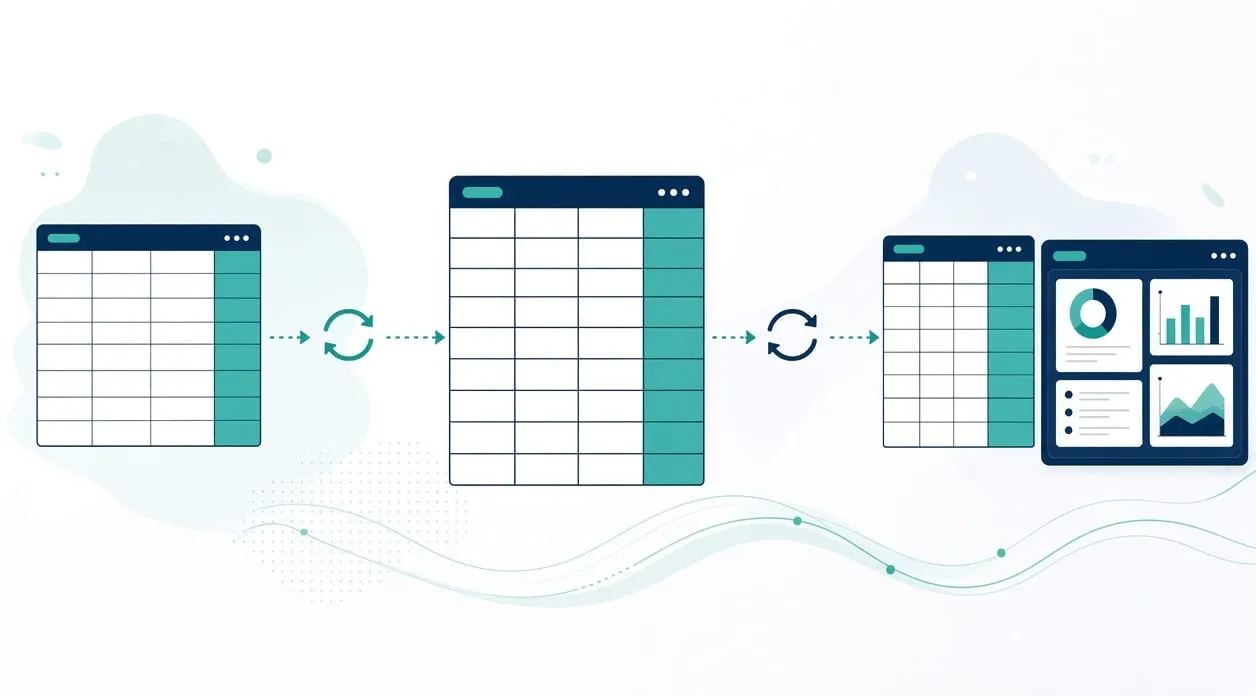
Name the copy, not the whole business
Copying is specific. Someone takes a value that already exists and types it again somewhere else. The homepage describes it as entering the same information in more than one place. That is the problem to scope. Do not start by connecting everything.
Understand one path. Which tool is the source, which is the destination, and which fields must match? If people edit both copies, you do not have a source yet.
A practical sequence
Identify the fields that are worth moving. Leave decorative columns behind. For a lead list, the homepage workflow is a useful shape: combine approved source worksheets into one dataset, normalize the fields, keep the strongest version of each duplicate, and build filtered views for the records you actually work. A person verifies business identity, public contact details, priority, and the next action before any outreach.
For orders, the shape is different but the idea is the same. Recent records come through an authenticated connection, new tracker entries are created, existing ones are updated, and statuses change without a second copy of the same order. The detailed version is in how order tracking can be automated.
Build the connection only for the fields you named. Agree the human check at the same time. Typical checks are a duplicate that did not match, a missing required field, a value outside the list you allow, and a record that changed after you last reviewed it. Put those in a queue a person can see. Do not drop them on the floor.
Test with examples you already trust. Include a clean row, a duplicate, and a row that should be rejected. Compare the destination with what a careful person would have typed. If the test set is only the happy path, you will meet the mess on a real day with no place to put it.
Improve when real use shows a column you thought was stable and was not. Adjust the rule or the review queue. Do not quietly widen the copy to every sheet in the business.
Keep a person on the meaning
A workflow can move a field. It should not decide what the field means when the source is ambiguous. Priority scores, customer messages, and “which version is really this business” stay with a person, the way the homepage workflows already say. If outreach is involved, the person confirms the details, edits any draft, approves it, and sends it. The connection does not send it.
If the destination is a dashboard rather than another sheet, the same rule holds. The screen should read from an approved export, not from a fresh hand copy. What a business dashboard is covers that difference.
When it is not worth it
Do not connect tools when you are still arguing about which spreadsheet is right. Settle the source first, even if that source stays manual for now.
Do not connect tools when the task is rare. Opening the sheet and copying a few cells may be clearer than a workflow nobody remembers.
Do not connect tools in order to hide a messy export. If the source is full of blank rows and private notes mixed with public details, clean the habit before you automate the mess. And do not paste passwords, payment details, or private customer documents into an AI tool to “sort the sheet.” There is a separate note on using AI with business information.
If a ready-made tool already shares this data and you have not turned that sharing on, do that before you build a custom path. A small custom app is for the gap that remains, as described in when a custom micro-app makes sense.