A direct answer
Is it safe to use AI with customer and business data?
It can be used with care, and it is not automatically safe. Do not paste passwords, payment details, health information, tax records, legal documents, or private customer and company material into an AI tool. Share the smallest text that still lets the tool help, check the tool’s current data settings before you rely on it, and have a person review the output. Nothing on this page is a guarantee that a tool will keep information private.
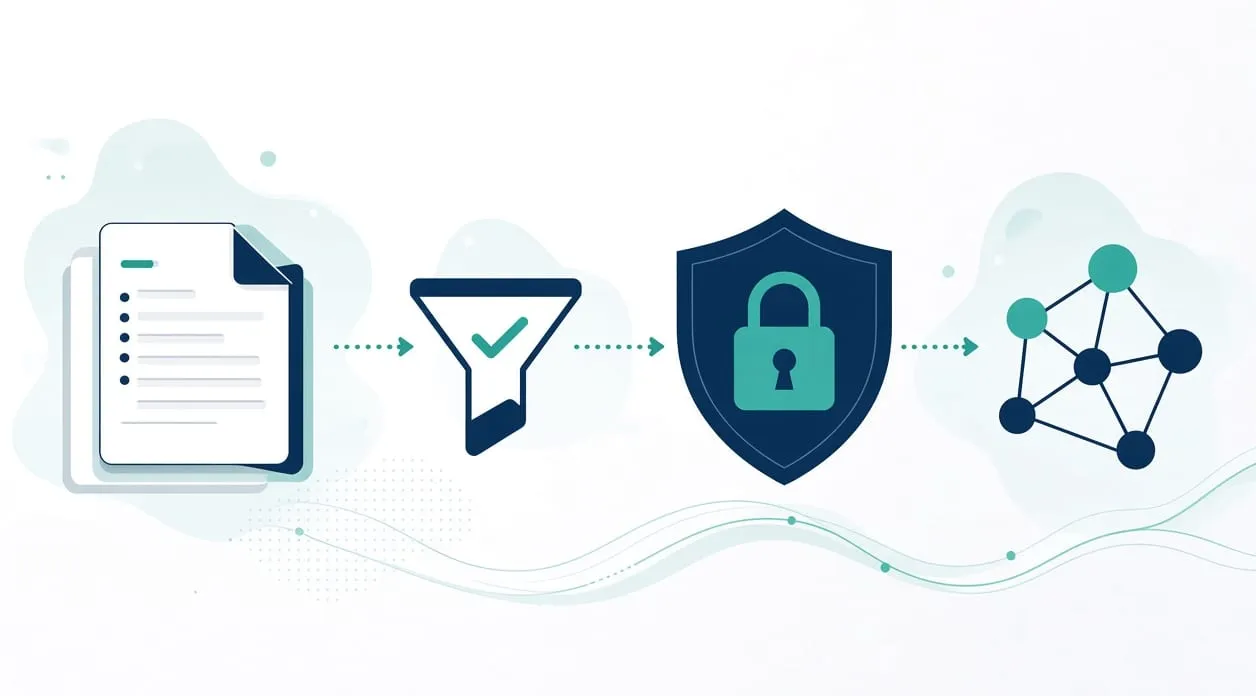
No guarantee, and a practical line
I will not tell you that an AI tool is safe. I do not control the product, and its settings can change. What I can tell you is the line I use on this site.
The privacy page says not to send passwords, payment details, or private customer or company documents through the form. That notice is about the form, not about an AI product. An AI tool is a separate choice. Read its current settings before you put business information in it.
The working rule is the same in both places. Share what a person needs in order to help, and nothing that would hurt you if it traveled further than you intended.
Practical steps
Decide what never gets pasted. Passwords, payment details, health information, tax records, legal documents, confidential customer data, and proprietary secrets stay out. A receipt workflow does not need a full card number. An order tracker needs a status, not a customer’s private documents. If the task requires that material, do the step yourself or with a qualified professional, outside the AI tool.
Minimize and anonymize what you do share. Replace a customer name with a role if the draft does not need the name. Remove account numbers, addresses, and anything that identifies a person when you are only asking for a structure, a checklist, or a rewrite of wording you already wrote. Keep the original on your side.
Check the current data controls of the specific tool. Look for what the provider says about training, retention, and who on your team can see history. Do this when you start, and again if you change plan or product. I am not describing a particular vendor’s policy here, because that policy is the vendor’s to state and it can change. If you cannot find a clear answer, do not put sensitive material in.
Keep a person on the output. The homepage workflows that use a reading or drafting step still end with a human check. Uncertain documents go to a review folder. Drafts are edited, approved explicitly, and sent manually. A weekly report keeps observations separate from interpretations. Copy that habit. Do not file, send, or publish an AI draft you have not read.
Do not let the tool make a high-stakes decision. AI can help organize or draft. It must not be the final decision-maker for a legal, medical, tax, hiring, lending, or safety question. A qualified person reviews the output and decides. What should stay manual is the longer version of that limit.
Know the difference between a rule and a guess. If the task is moving an agreed field, you may not need AI at all. A rule is easier to explain when something looks wrong. Do you need AI, or is simple automation enough? is the way I make that choice.
On the invoice workflow, you still verify the type, the details, the name, the period, and the destination. Do not include a password or payment credentials in what you hand over. On outreach, the message is still edited and sent by a person. Do not paste a private customer file into a tool to sound more specific.
When it is not worth it
Do not use an AI tool when the input is the secret itself. There is no clever prompt that makes a password or a private customer file appropriate.
Do not use one when nobody will review the output. An unread draft that gets filed or sent is an unattended guess.
Do not rely on a setting you have not read recently. If the work cannot be minimized and cannot be checked, leave it manual. Care is available. A guarantee is not.